Change a photo's background to any colour.
Put your product, portrait or pet on pure white, a passport blue, a smooth gradient, a blurred backdrop or your own picture. The AI cuts out the subject for you. Add a soft shadow, pick a size for Instagram or your shop, and download.
100% free · Nothing ever leaves your device
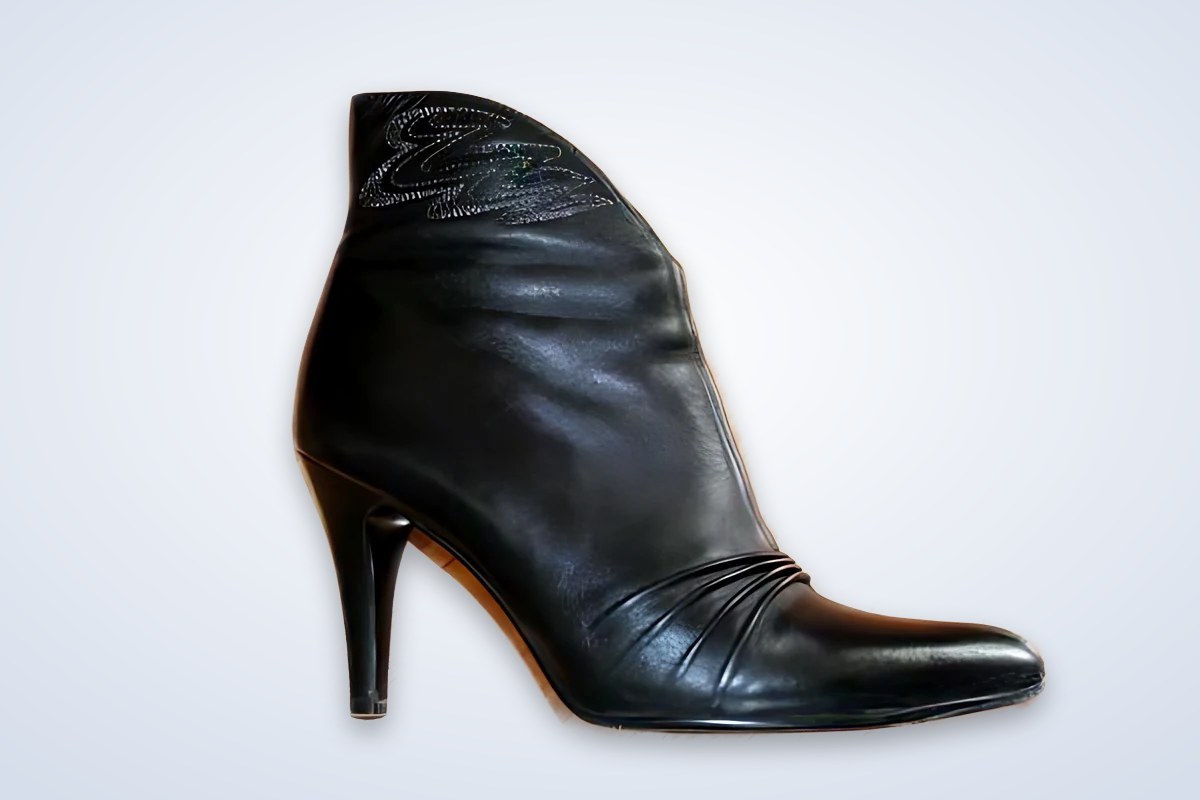
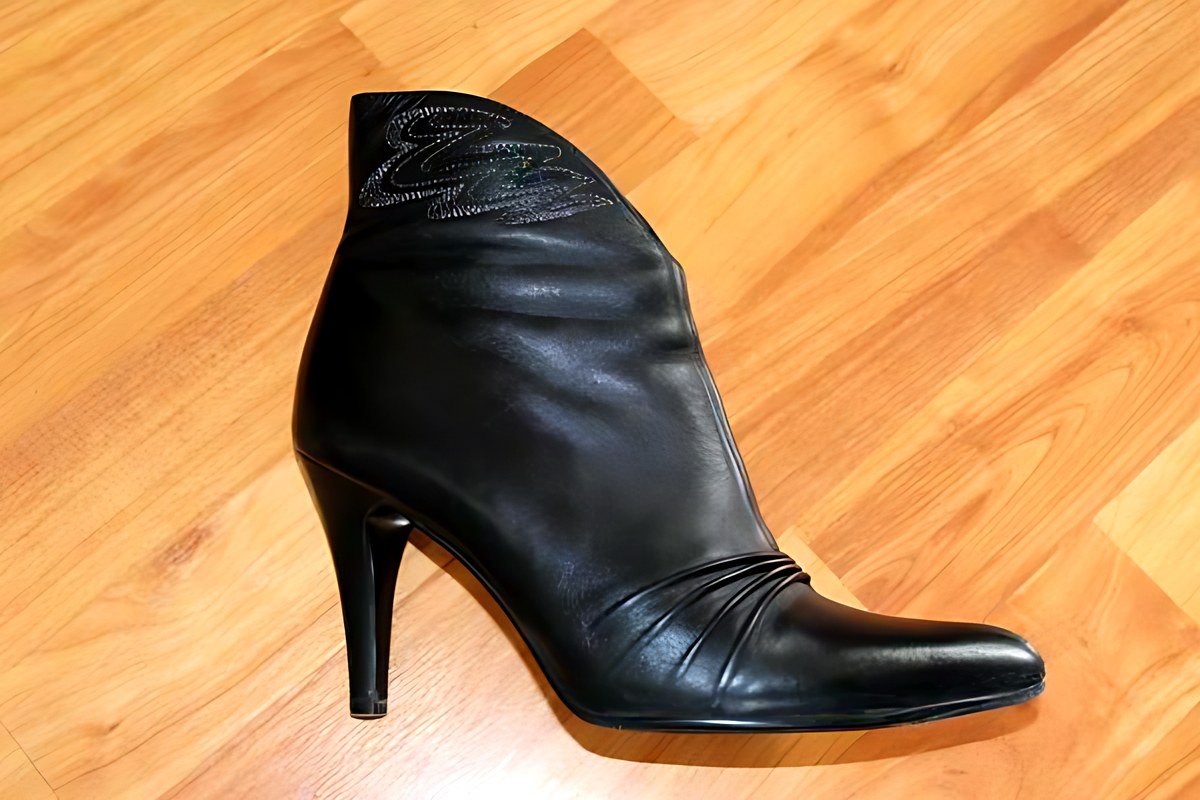
Real result from this tool: studio background with a soft shadow.
Change a background
Works on products, people, pets and objects. The AI model (44 MB) downloads the first time you use it and is then cached, so later photos take just a few seconds.
or drop a file here
PNG, JPG, or WebP — up to 24MB · completely freeLoading…
Keeps your original background, softly blurred, like a portrait-mode photo.
Your picture fills the frame behind the subject. It stays on your device.
One photo, many looks.
Real results from this tool on ordinary phone photos.
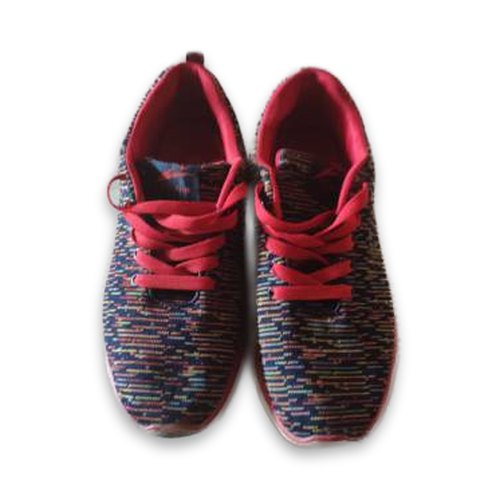
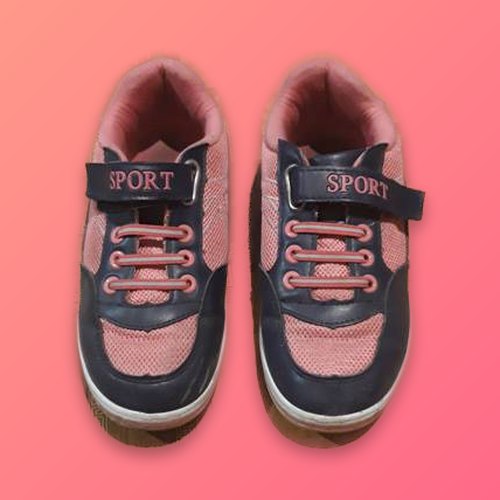
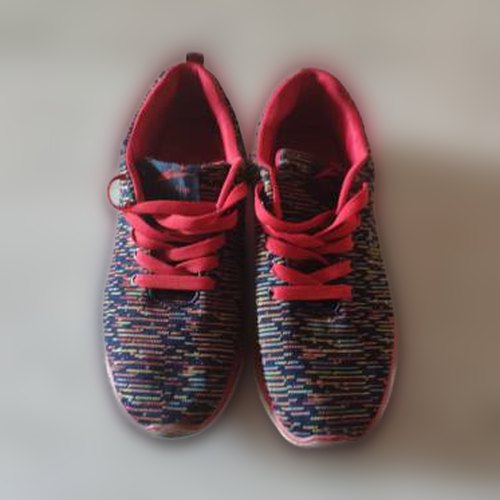
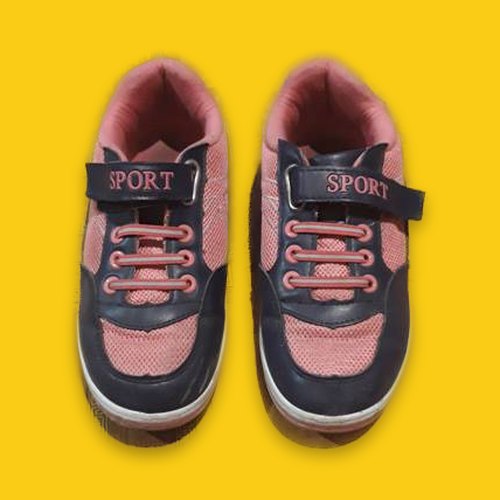
A finished photo, not just a cutout.
Pick a background, a size and a shadow. The preview updates as you go.
AI cuts out the subject
The same model as our Background Remover finds the product, person or pet and separates it cleanly.
Colours, gradients, blur or your own picture
Ten ready colours plus a picker, six gradients, a portrait-style blur, or any image you upload.
Sizes and shadow built in
Square, 4:5, story and wide sizes centre the subject for you. A soft shadow stops products looking pasted on.
What people change backgrounds for.
White background for product listings
Daraz, Amazon, eBay and Etsy all favour a pure white background. Choose White, Square 1:1 and Soft shadow for a clean listing photo.
Passport & ID photo backgrounds
Swap a busy wall for white, light blue or passport blue. Then use Crop Image to get the exact size. Always check your country's photo rules.
Profile pictures
Put yourself on a brand colour or a soft blur for LinkedIn, WhatsApp, a CV or a team page.
Social posts & stories
Use a gradient and the Story 9:16 or Square size to make eye-catching posts for Instagram, TikTok and Facebook.
Thumbnails & banners
The Wide 16:9 size places your subject on a clean backdrop ready for YouTube thumbnails and website banners.
Catalogues with one look
Give every item in a collection the same background and size so your shop page looks consistent.