New · Full-resolution output & JPG / WebP export

AI Image Improver – Enhance Images Online Free

AI image improver helps enhance image quality, sharpen details, reduce blur, and improve clarity online for free in just a few clicks.

100% free · No account or credit card required · Photos never leave your device

Your enhanced photo Your original photo Original Enhanced

Real Ai Pixel Boost output on a low-quality photo. Upload yours below and the result will appear here.

Download

Enhance a photo

Intensity
Mode
Upload Image

or drop a file here

PNG, JPG, or WebP — up to 24MB · completely free AI mode rebuilds detail with a neural network on your device. Small photos come back 2× larger. Want to make this image bigger and clearer? Drop it here and the AI will increase res for you. It even works as a WebP quality enhancer.

Analyzing image…

See it in action

Clear Blurry Image Online Free with AI

Lion photo before enhancement Sleeping koala photo before enhancement
Lion photo after enhancement Sleeping koala photo after enhancement

Clear blurry image online for free with our AI image enhancer. Sharpen details, reduce blur, and improve photo clarity in just a few clicks. It works like a blur remover picture tool that can remove blurriness from photos that came out shaky.

Fix Resolution Of Image - Ai Pixel Boost

Fix resolution of image helps you enhance image quality, sharpen details, reduce blur, and improve photo clarity online for free in seconds.

Old phone snaps and low quality pics often look fuzzy. Upload one and watch it turn from a soft image to HD in a few seconds. Think of it as a free quality converter for your photos.
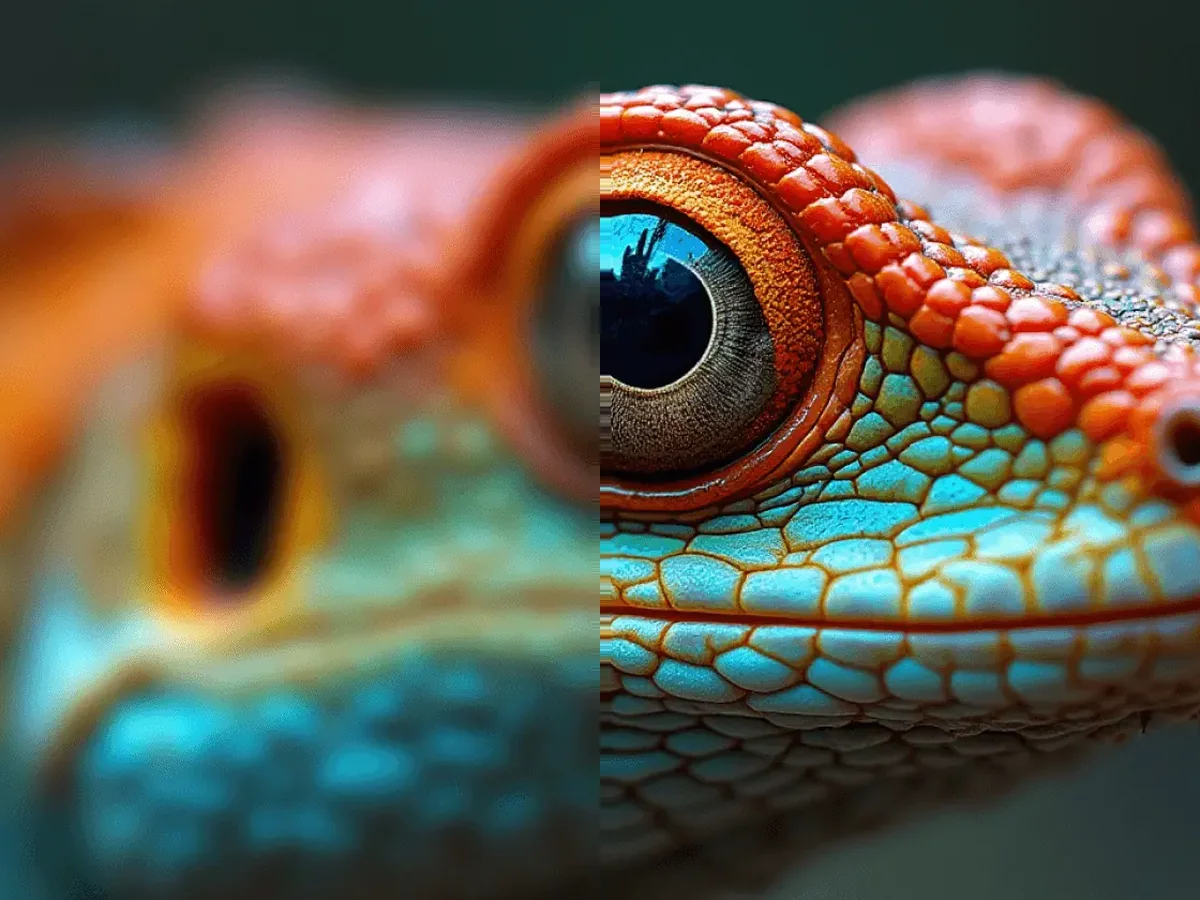
Low quality pictures fixed: a blurry close-up of a colourful lizard (left) and the sharp AI-enhanced version (right) BeforeAfter

AI Image Upscale – Increase Image Resolution Free

AI image upscale helps you increase image resolution, enhance details, reduce blur, and improve photo quality online for free in just a few clicks.

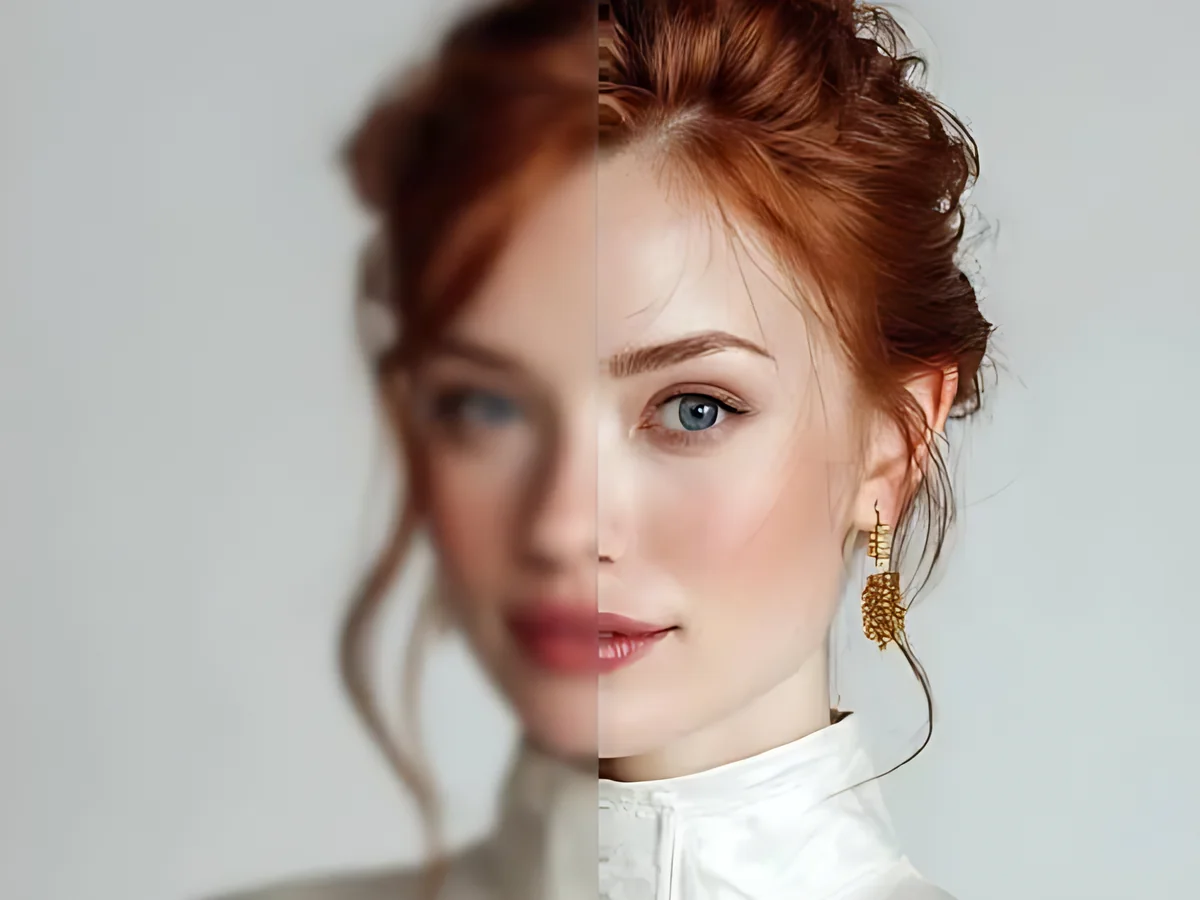
When you increase resolution of image AI fills in the tiny details that are missing, so you get sharper scaling than just stretching the picture. It is an easy way to HD a picture, and you download a high res file at the end.

A blurry portrait of a red-haired woman (left) turned into a clear image by AI (right) BeforeAfter

Remove grain and noise from photos

Low light and older cameras leave photos grainy and smudged. AI noise reduction clears the speckles while keeping fur, skin and fine edges detailed.

Even a super low quality image with bad picture quality from a dark room can come back as a clean, sharply detailed image.

A grainy photo of a lion (left) and the clean version (right) BeforeAfter
FAQ

Questions about enhancing photos.

Increase picture resolution online free with our AI image enhancer. Find answers to common questions about image upscaling, clarity, quality, and resolution.
Yes. Every enhancement is free and unlimited. You don't need an account or a credit card, and nothing is added to your photo.
It removes blur, noise and compression blocks with a Real-ESRGAN neural network, then gently balances colour and contrast. Choose Subtle, Balanced or Strong to control how far it goes.
Yes, for mild to moderate blur, pixelation and compression. The AI sharpens edges and rebuilds fine texture. It can't recover detail the camera never captured, so very blurry photos improve but won't look perfect.
Upload it and keep AI mode on. The model reduces grain from low light or high ISO while keeping edges and skin texture. Pick Subtle if you want to keep some natural grain.
DPI is a print setting, so what you really need is more pixels. Enhance the photo here to add resolution, then print at 300 DPI. A 4×6 inch print needs 1200×1800 pixels and an 8×10 inch print needs 2400×3000 pixels.
Look at its pixel size in your file manager or photo app. Anything above about 1500 pixels on the long edge holds up well on screens and in small prints. After enhancing, the new size is shown under the result.
Upload PNG, JPG or WebP files up to 24 MB. Download in the same format as your original, or switch to JPG, PNG or WebP.
A high resolution picture has lots and lots of tiny dots, called pixels, so it stays sharp when you zoom in or print it. The difference between high resolution and web size is simple: high resolution is big and detailed for printing, while web size is smaller so websites load fast. When people compare high res vs web size photos, the high res one has more pixels and a bigger file.
Yes, for most photos. Normal resizing just stretches the dots, so the picture gets blurry. AI looks at the photo and adds new detail that fits, which gives a sharper scaling result. It is also a quick way to AI sharpen photo details like eyes, hair and text.
Upload the photo, choose Strong if it is very grainy, and let the AI do the work. It is made for a lower quality photo, for blur image repair, and for pictures where sending them through chat apps made the image quality worse.
We think it is one of the best AI image enhancer free choices, because there is no sign-up, no watermark and no limit. It also works as a free HD converter: upload a photo and download an HD copy in seconds.
No. The enhancement runs on your own device, in your browser. Your photo is never sent to us or stored anywhere.
AI mode runs a neural network on your device's graphics chip, which usually takes 5–30 seconds. The first time, it also downloads a 5 MB model that your browser then keeps. Fast mode finishes in about a second.

Your next photo could look like this.

100% free, unlimited, and no account required.

Got a blurry photo and thinking "make this clear"? Our AI image clarifier is ready to help. Sharpen images online for free, right now.

Enhance a photo now
Enhancement complete